"All‑in‑one AI PDF toolkit — edit, convert, OCR, chat with PDFs, summarize long docs, scan to PDF, sign, annotate, and manage files on web and mobile."
Overview
LightPDF is a comprehensive, AI-powered PDF platform that helps students, professionals, and teams handle every document task in one place. It works as a PDF editor, converter, reader, OCR scanner, e-sign tool, and storage hub, with a special “Chat with PDF” feature that uses AI to answer questions from your documents and summarize long papers. LightPDF converts PDFs to Word/Excel/PPT/JPG/TXT (and vice versa), applies OCR to scanned files in 20+ languages, and lets you edit text, images, and links inside PDFs. It also supports annotating, highlighting, commenting, merging, splitting, compressing, protecting with passwords, and creating/filling forms. The mobile app adds smart scanning, ID photo creation, and background/watermark removal, while the web and desktop apps focus on quick editing, batch conversion, and document management. Everything is designed to be fast, secure, and easy to use without complicated setup.
Key Features
Chat with PDF & Summaries: Ask questions about your PDF/Word/Excel/PPT/ePub and get AI answers with cited sources; summarize long documents and extract key points
Edit, OCR, and Convert: Edit text/images/links in PDFs; apply OCR to scanned files; convert between PDF, Word, Excel, PPT, JPG, TXT, and more
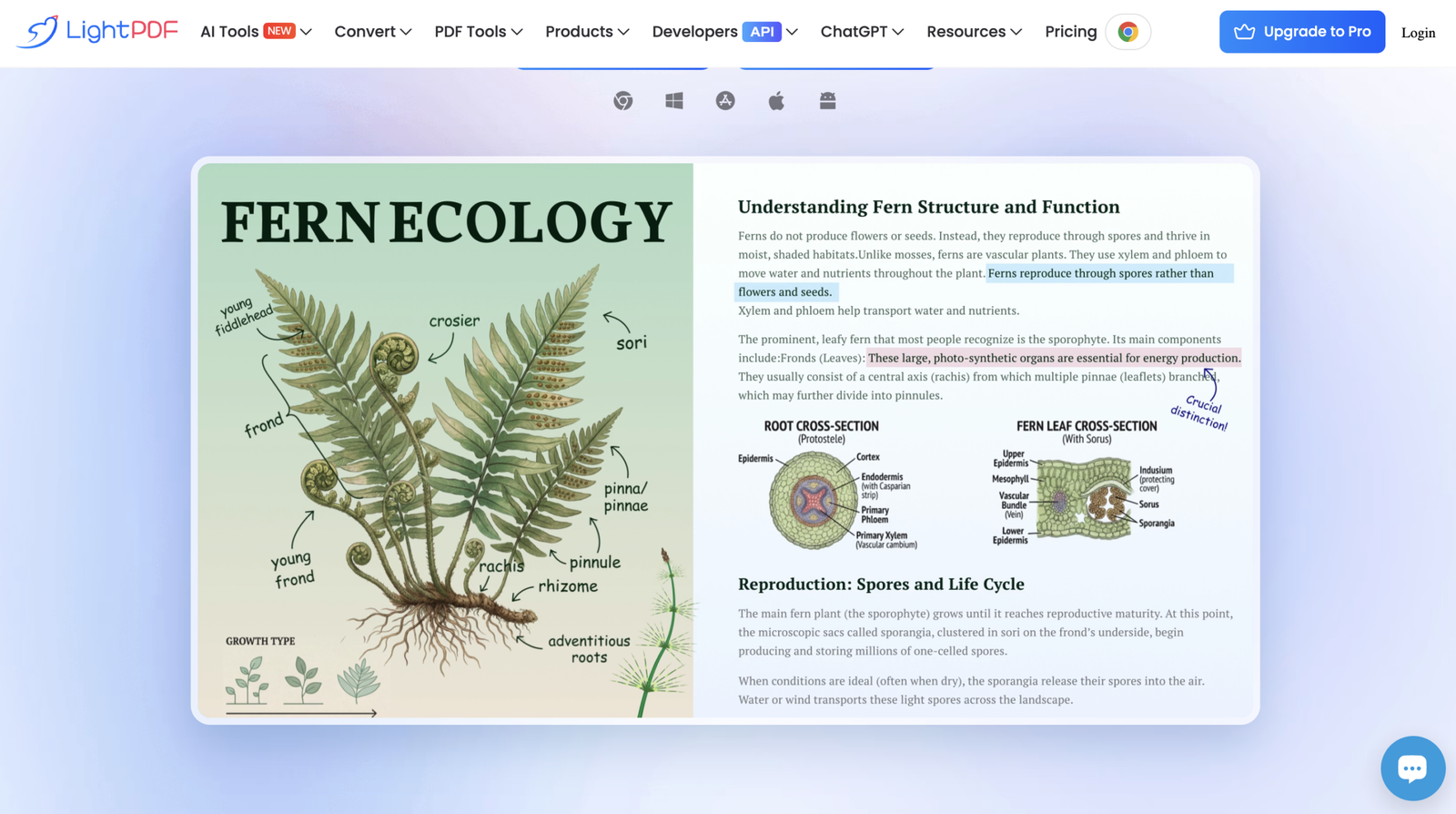
Sign, Annotate, and Manage: Add e-signatures, highlight/underline/comment, merge/split, compress, protect with passwords, and create/fill forms
Smart Scan and Cleanup: Scan paper to PDF, extract text, remove handwriting or watermarks, and create ID/passport photos with background tools
Use Cases
Students and Researchers: Summarize papers, chat with PDFs for quick insights, OCR scanned articles, and convert notes to editable formats
Business and Office Work: Edit contracts, sign documents, create forms, compress and share PDFs, and convert reports between formats
On‑the‑Go Document Handling: Scan receipts, ID cards, and books on mobile; clean up images, remove watermarks, and sync files for teamwork