
How to Do the Scream AI Photo: A Simple Step-by-Step Tutorial
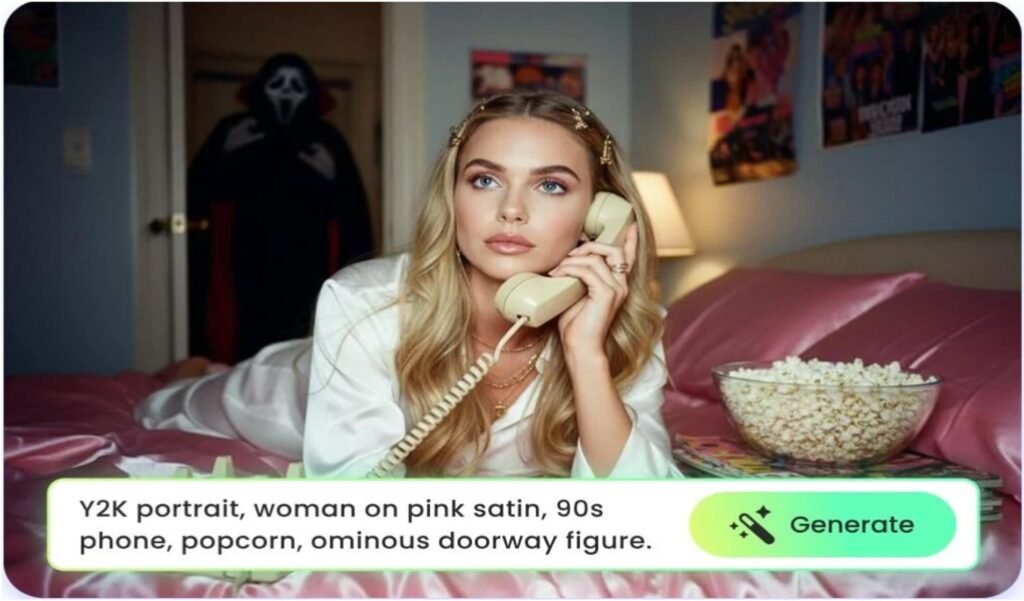
The Scream AI photo is a popular AI-generated image trend where the iconic Ghostface character from the Scream movies appears mysteriously in a 90s style bedroom photo of you. It blends a spooky horror vibe with a dreamy vintage look, and it’s super fun and easy to create.
What You Need
- A clear front-facing photo or selfie of yourself.
- Access to an AI image generator that supports the Ghostface AI trend, like the free Ghostface AI generator on Fotor or Google Gemini AI.
- The right prompt to guide the AI for the spooky Scream-style image.
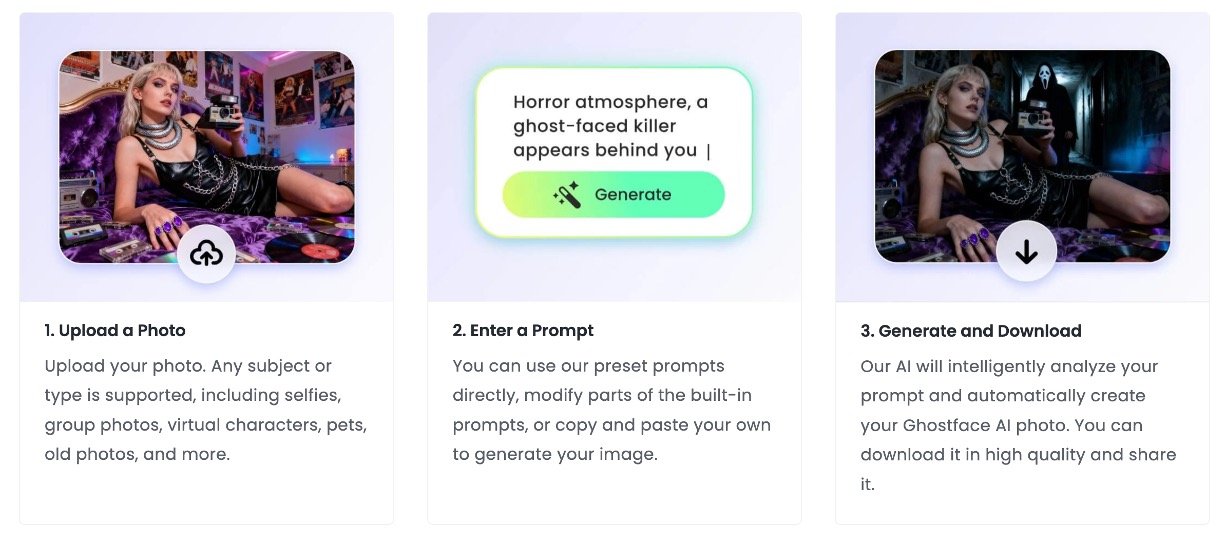
Step 1: Choose Your AI Ghostface Photo Generator
You can use free tools such as:
- Fotor’s Ghostface AI Generator
- Google Gemini AI
These tools allow you to upload your photo and add Ghostface in the background in a dramatic 90s horror style.
Step 2: Upload Your Photo
Choose a clear photo where your face is visible and well-lit. This helps the AI place Ghostface naturally behind you, usually standing in a slightly dark hallway or doorway in the background.
Step 3: Use or Customize the AI Prompt
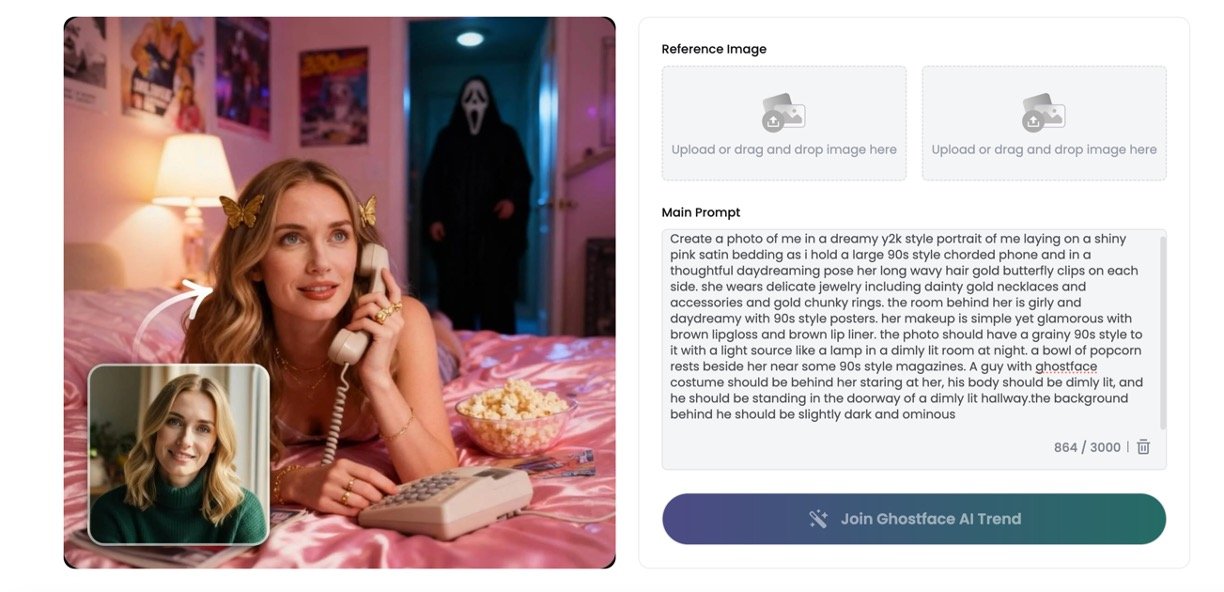
Copy and paste the following prompt into the AI generator for best results:
Scream AI Photo Prompt 1
“Create a photo of me in a dreamy Y2K style portrait of me laying on shiny lavender satin bedding as I hold a large 90s style corded phone in a thoughtful daydreaming pose. My long black hair falls freely in loose curls with lavender clips on each side. I wear delicate jewelry including dainty gold necklaces and accessories and gold chunky rings. The room and background are girly and daydreamy with 90s style posters. My makeup is simple yet glamorous with brown lip gloss and brown lip liner. I am petting my black cat with large eyes. The photo has a grainy 90s style with a light source like a lamp in a dimly lit room at night. The Ghostface killer stands behind me staring at me. His body is dimly lit, and he stands in the doorway of a dimly lit hallway. The background behind him is slightly dark and ominous.”
Scream AI Photo Prompt 2
“Transform the image into a cinematic Y2K photo: A woman lies on a red satin bed, clutching a black, 1990s-era corded telephone, her expression intense and pensive. A small gold butterfly clip adorns her long hair. She wears layered gold necklaces and a large gold ring. The warm glow of a desk lamp softly illuminates a corner of the room, decorated with retro 1990s rock posters. Beside her are popcorn and vintage magazines. Behind her, in the doorway of a dark corridor, a figure wearing a ghostly mask stands silently, their silhouette partially hidden in shadow, evoking a sense of suspense and fear. The photo has the grainy, low-light look of 1990s film, with warm highlights intertwined with deep shadows to create an eerie, dreamlike atmosphere.”
Scream AI Photo Prompt 3
“Take a photo using a Polaroid camera. The photo should look like a normal photo, without any clear subjects or props. The photo should have a slight blur effect, and the light source should be evenly distributed across the frame, such as a flash in a dark room. Replace the background with a simple white curtain. The subject is photographed with a person wearing a white ghost mask and a black robe. The ghost mask stands behind the subject, with one hand playfully placed on the subject’s neck. The subject looks shocked, creating an eerie yet humorous atmosphere. Do not retouch the face.”
You can adjust the colors, style, or description to make your photo unique.
Step 4: Generate Your Scream AI Photo
Submit the prompt and wait for the AI to create your image. You can usually request several variations until you get your perfect spooky photo.
Step 5: Download and Share
Once you have your Ghostface AI photo, download the high-quality image without any watermark.

