
JotBot AI Review 2026: Is It Worth It for Students?

JotBot AI Review: Is It Good for Academic Research?
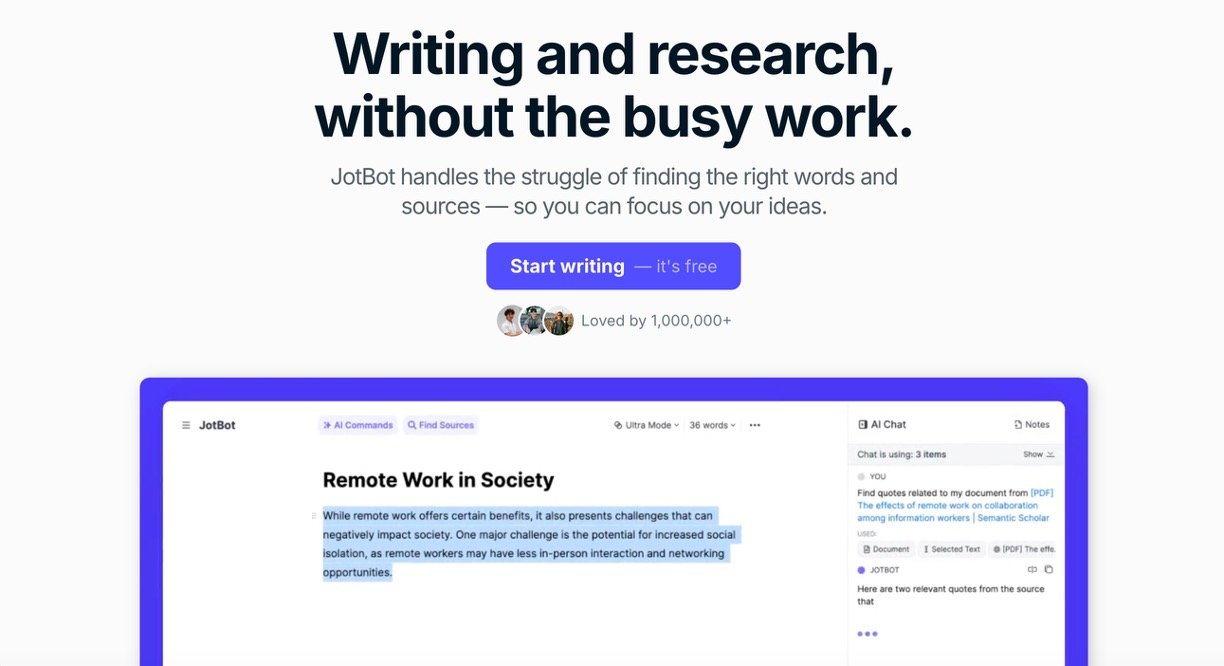
JotBot AI is a document-based writing assistant designed for students, researchers, and content writers. It combines drafting, source discovery, citations, editing, autocomplete, and document chat in one workspace.
Its biggest advantage is convenience. You can research a topic, create an outline, add sources, and improve a draft without switching between several tools. The interface is also simple enough for beginners.
However, JotBot should be treated as a writing assistant—not a reliable replacement for academic research. Its drafts can be generic, and some suggested sources may be weak, paywalled, or only loosely connected to the claim. Every citation and generated statement should therefore be checked manually.
Overall rating: 3.8/5
JotBot AI Key Features and Our Ratings
| Feature | Our Rating |
| AI autocomplete | 4.2/5 |
| Source finder and citations | 3.6/5 |
| Personalized draft generator | 4.0/5 |
| Chat with sources | 4.1/5 |
| AI outlining | 4.2/5 |
| Video notes and summaries | 4.0/5 |
| Ease of use | 4.3/5 |
Key Features
- AI Autocomplete
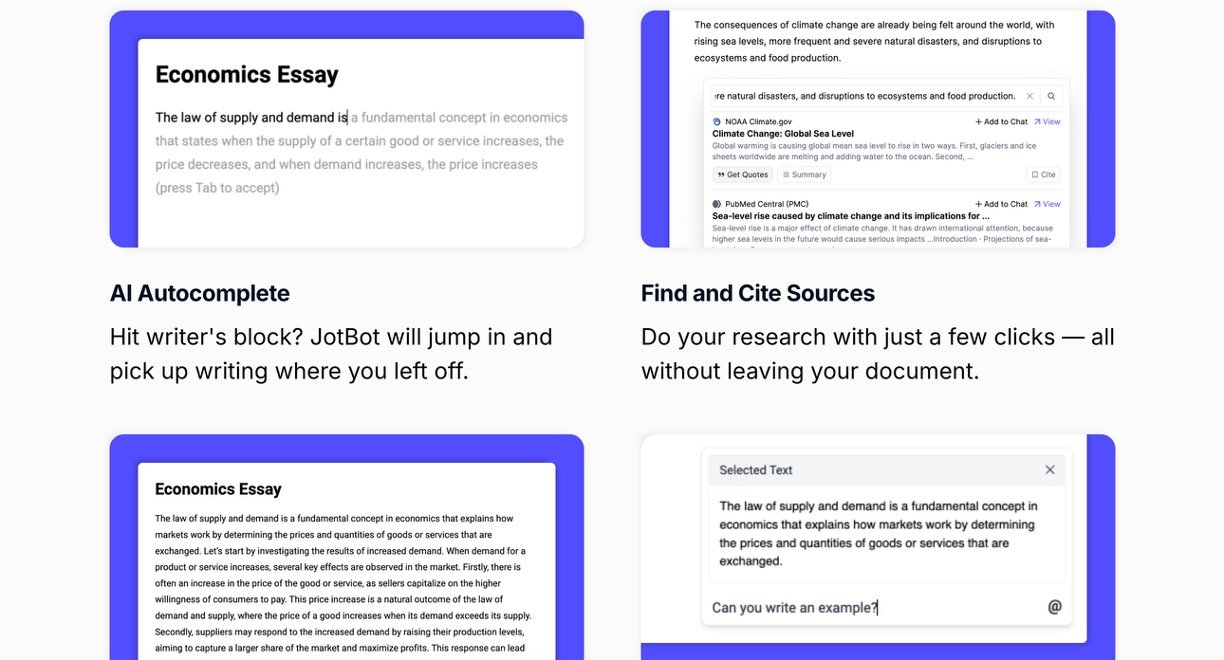
JotBot suggests how to continue a sentence or paragraph while you write. It is useful for overcoming writer’s block and producing a rough draft faster. Suggestions normally follow the document’s context, although they can become repetitive or predictable in longer papers.
- Source Finder and Citations
The built-in source finder searches for material related to your topic and lets you add citations without leaving the editor. This saves time during early research. Still, source quality is inconsistent. Some results may come from unfamiliar websites or lead to inaccessible content. Researchers should verify the author, publication, date, DOI, and quoted claim before using any result.
- Drafts in Your Writing Style
You can provide writing samples so JotBot can generate content that resembles your tone. This makes drafts feel more personal than standard AI output. It works best when given a detailed prompt, clear structure, and enough original writing to study.
The output does not always capture a genuinely unique academic voice, so editing remains necessary.
- In-Document AI Chat
JotBot includes a chat assistant inside the document. You can ask it to explain a concept, rewrite a paragraph, develop an argument, or suggest improvements. You can also ask questions about imported PDFs, webpages, and text.
This feature is convenient, but complex instructions sometimes need to be divided into smaller prompts.
- Outlines, Editing, and Video Notes
JotBot can generate essay outlines and perform actions such as shortening, expanding, rewriting, or clarifying text. It can also turn uploaded videos into notes and summaries. These tools are especially helpful for processing lectures and creating an initial paper structure.
Pricing
JotBot has two main plans:
- Free: $0, with 10 daily credits, up to three sources, and basic features.
- Unlimited: $20 per month, or $14 per month when billed annually. It includes unlimited credits, autocomplete, sources, and video uploads, plus upgraded AI models and early access to new features.
Most standard actions use one credit, while drafts and video summaries can use more.
Pros and Cons
Pros: Clean interface, useful autocomplete, integrated research workflow, source-based chat, fast outlining, and a practical free plan.
Cons: Citations need careful verification, long drafts may lack depth, some outputs ignore parts of complex prompts, and users have reported mixed experiences with cancellation and customer support.
Verdict
JotBot AI is best for brainstorming, organizing research, summarizing material, and creating first drafts. Its all-in-one editor can save students and researchers considerable time. However, it is not suitable for publishing AI output without review. Fact-check the content, open every source, rewrite the draft in your own voice, and follow your institution’s AI policy.

