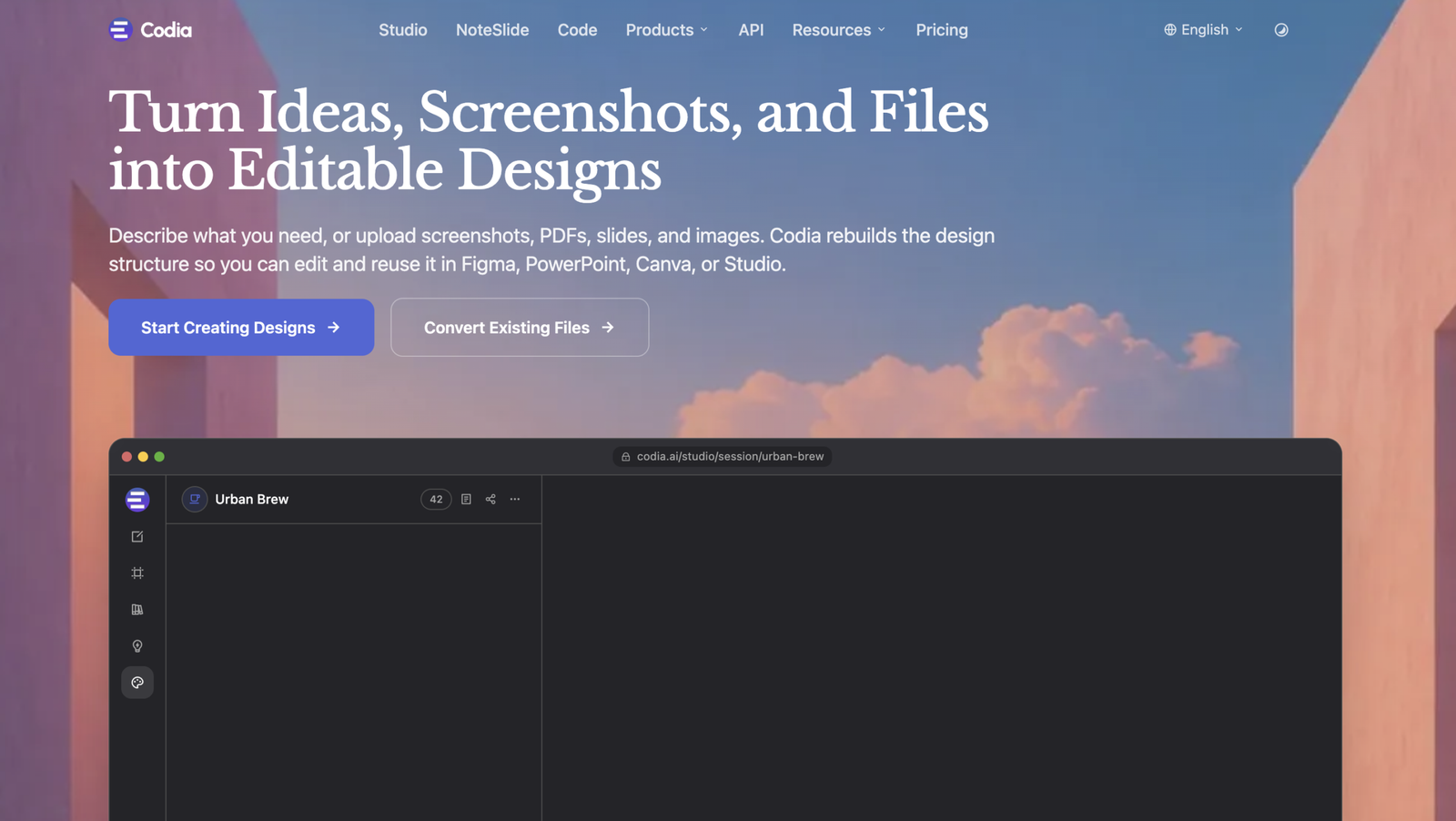
"Turn screenshots, PDFs, and ideas into editable designs — then convert Figma designs into production-ready code for web and mobile with AI. One platform for design, code, and presentations."
Overview
Codia AI is an AI-powered design and development platform built to bridge the full pipeline from visual content to structured design and production-ready code. It helps users turn screenshots, PDFs, Office files, PSDs, webpages, Notion pages, Canva content, or plain text prompts into editable designs, and then convert those designs into code for web and mobile apps. The platform focuses on two big jobs: “Anything to Design,” where messy input becomes structured Figma-style designs, and “Design to Any Code,” where those designs are turned into production-ready code. Codia AI also offers a set of AI tools including Codia Studio for visual asset creation, NoteSlide for presentations, DesignGen for prompt-to-UI, and code tools like Prompt to Code and Chat-to-Build. It is designed for designers, developers, and teams who want to skip manual recreation work and move faster from idea to finished product. The platform supports complex UI recognition, multilingual content, and enterprise workflows, with compatibility for external AI assistants like Cursor, Claude Desktop, and ChatGPT. Codia’s documentation emphasizes structured output, engineering-friendly code generation, and workflows that reduce repetitive design and development work.
Key Features
Anything to Design: Convert screenshots, PDFs, Office files, webpages, Notion, Canva, or text prompts into editable design files
Design to Code: Turn Figma designs into production-ready code for React, Vue, HTML, Tailwind, SwiftUI, Flutter, Kotlin, and more
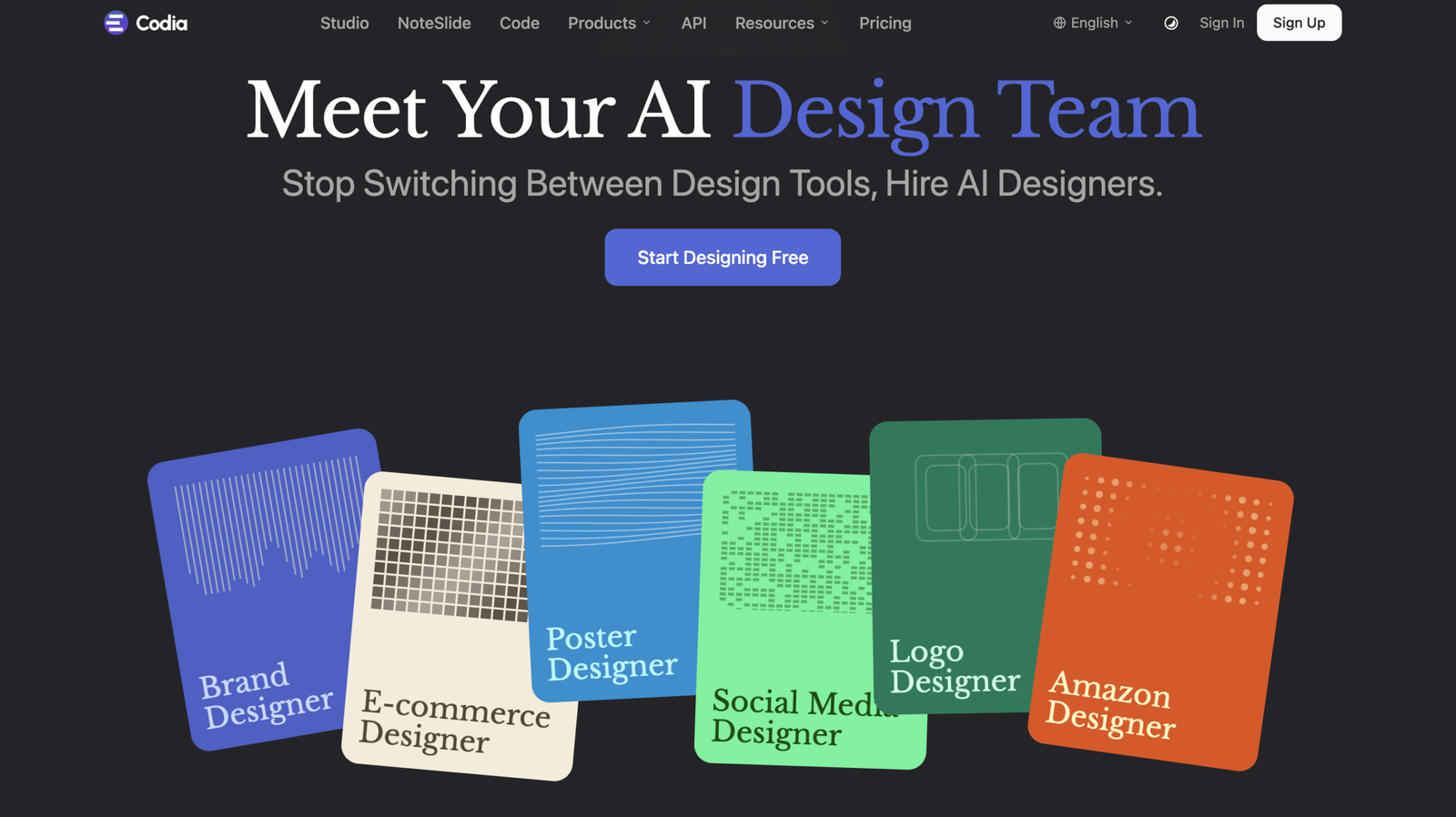
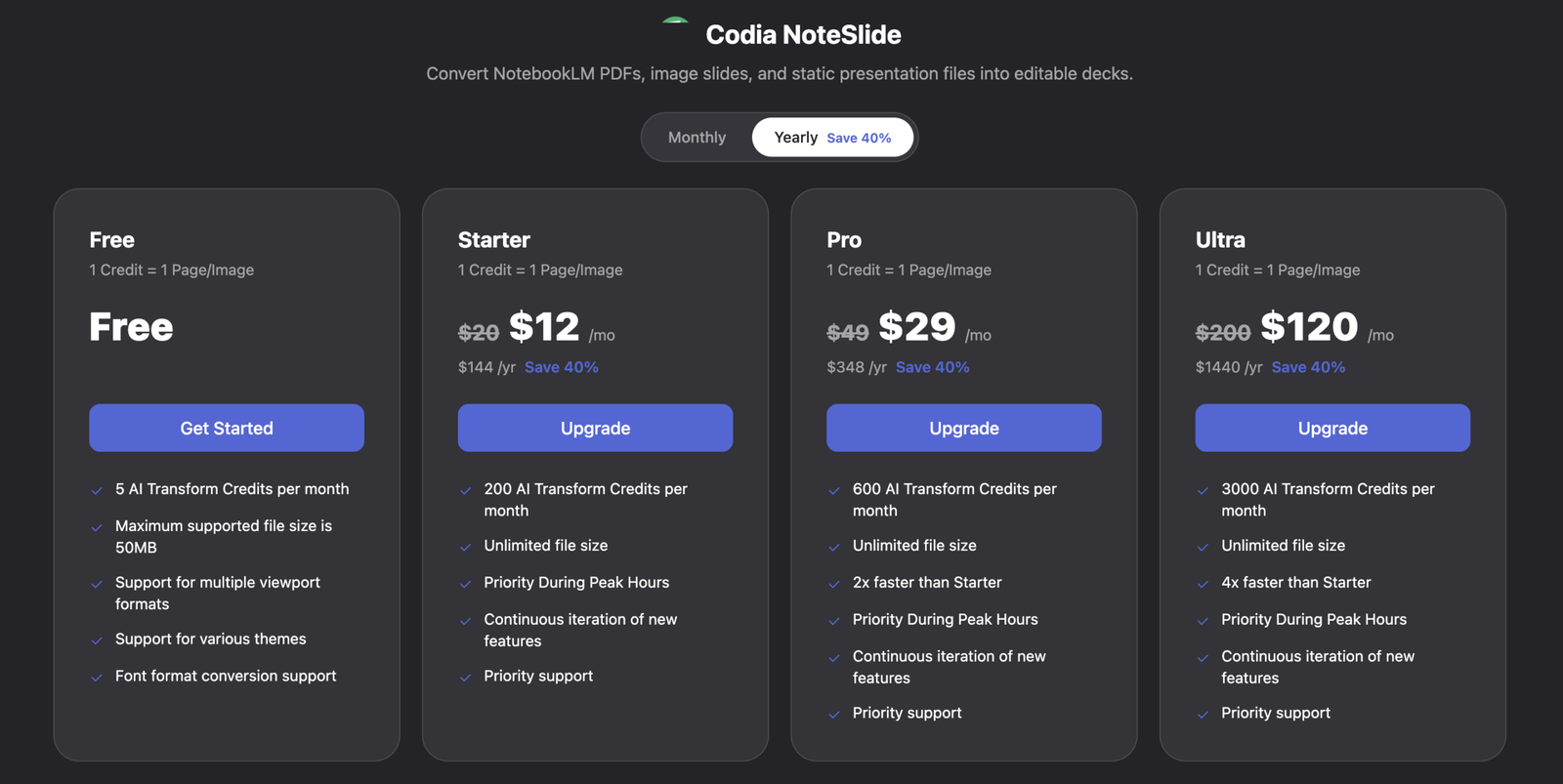
AI Workspaces: Use tools like Codia Studio, NoteSlide, DesignGen, and Chat-to-Build in one platform
Enterprise Workflow Support: Built for teams with structured outputs, private deployment review options, and compatibility with external AI tools
Use Cases
UI Design Recreation: Rebuild screenshots or reference images into editable UI designs for faster product design work
Design to Development Handoff: Convert approved Figma designs into code for web, iOS, Android, and cross-platform apps
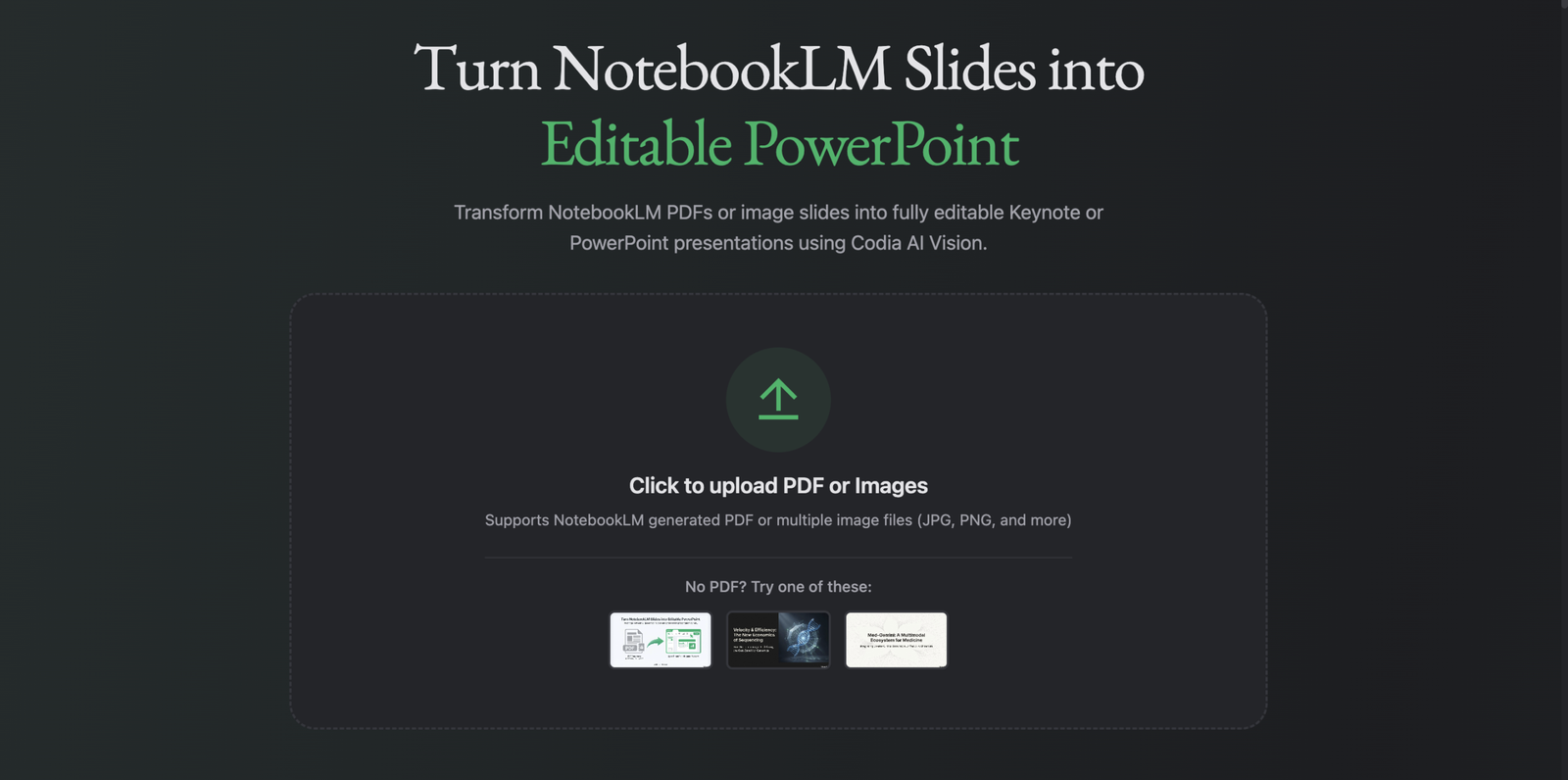
Presentation and Content Conversion: Turn PDFs or documents into presentations and structured visual assets with AI