- Website
- Bookmark
- Share
- Leave a review
- Claim listing
- Report
- prev
- next
Description
Overview
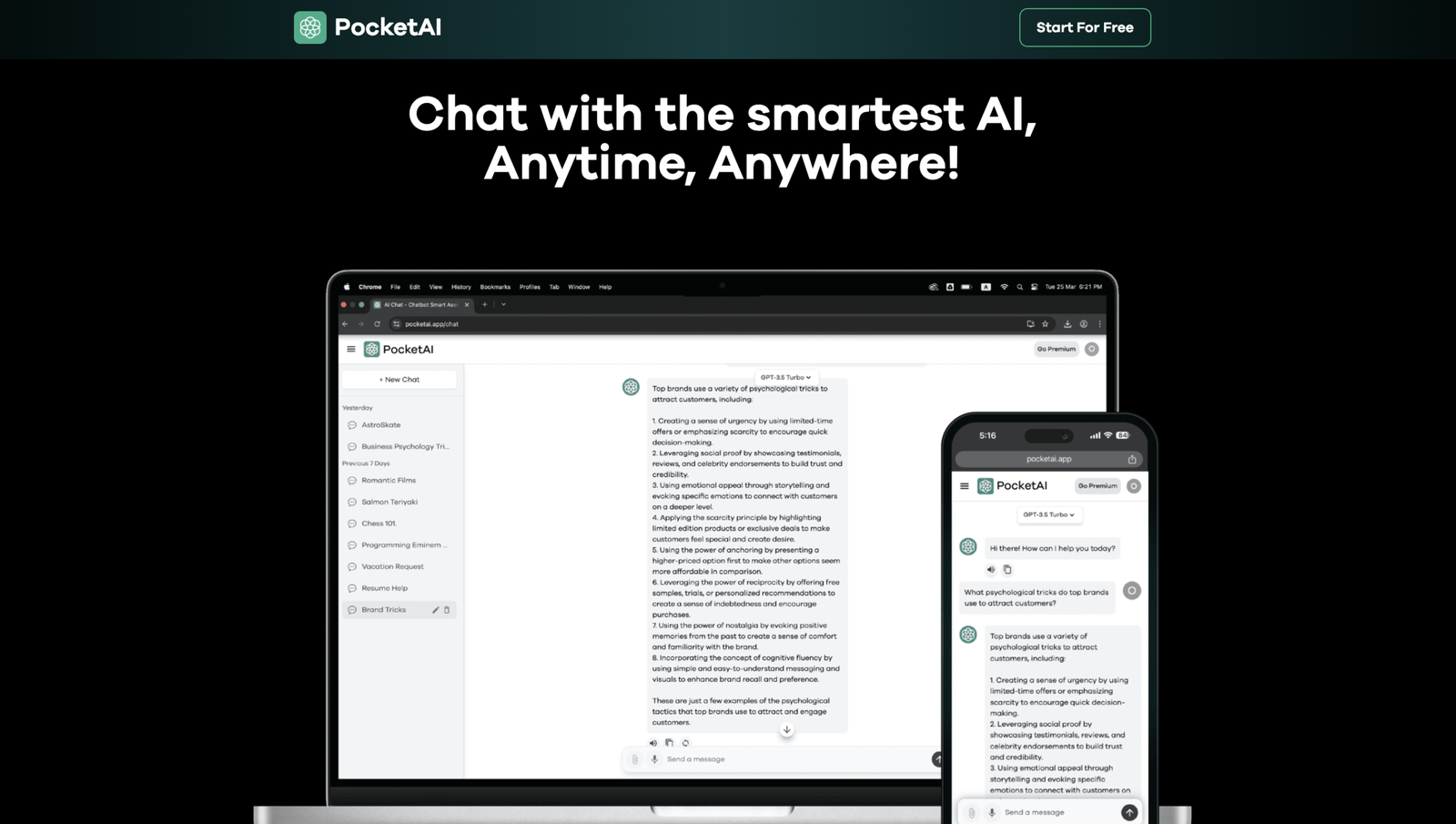
PocketAI is an offline AI assistant app designed for people who prioritize privacy, speed, and control, working completely without internet connection. It's an all-in-one AI app built on advanced AI technologies that lets you chat, brainstorm, create, and analyze content entirely on your device. PocketAI follows the WhatsApp-like version of ChatGPT concept, bringing AI power to your mobile device for WhatsApp-like conversations with your own AI assistant. The app offers 100% offline chat where prompts and responses stay locally on your device, no login required, no data collection or cloud storage, and local storage only ensuring you stay in control. Powered by various AI models (including GGUF models downloadable from HuggingFace), PocketAI enables offline AI chat, voice mode, image & video analysis, and lets you create custom AI assistants. It supports multiple models (Massive & Tiny), voice-first assistance for hands-free use, and image analysis from your gallery without sending files to the cloud.
Key Features
- 100% Offline AI Chat: Works completely without internet; prompts and responses stay locally on your device
- Local Model Management: Download and manage supported GGUF models from HuggingFace; switch between Massive & Tiny models based on power or speed needs
- Voice-First Assistance: Talk naturally instead of typing; use hands-free mode while driving, cooking, or multitasking
- Image & Media Analysis: Analyze images from your gallery; understand objects, scenes, and details without sending files to cloud
Use Cases
- Privacy-Focused Users: People who want AI they own, not AI that owns their data; conversations stay private on your own device
- Travelers & Offline Workers: Get help while traveling, studying, or working even with no network; offline encyclopedia under 1GB directly reads information
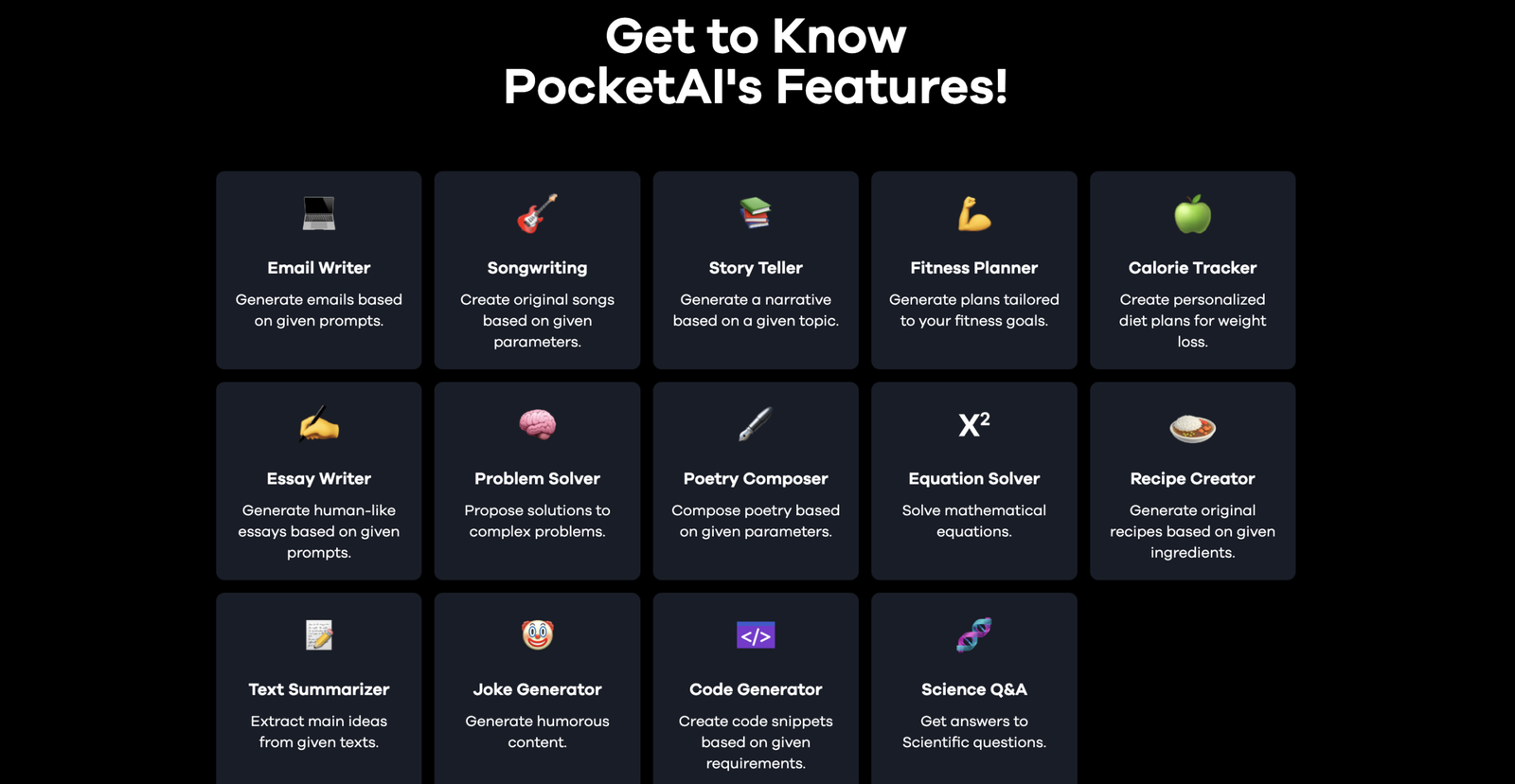
- Content Creators & Students: Ask questions, get ideas, summarize notes, draft content, create images, fix grammar, and chat about photos
Gallery