
SciSpace Review: Is It Good for Academic Research?

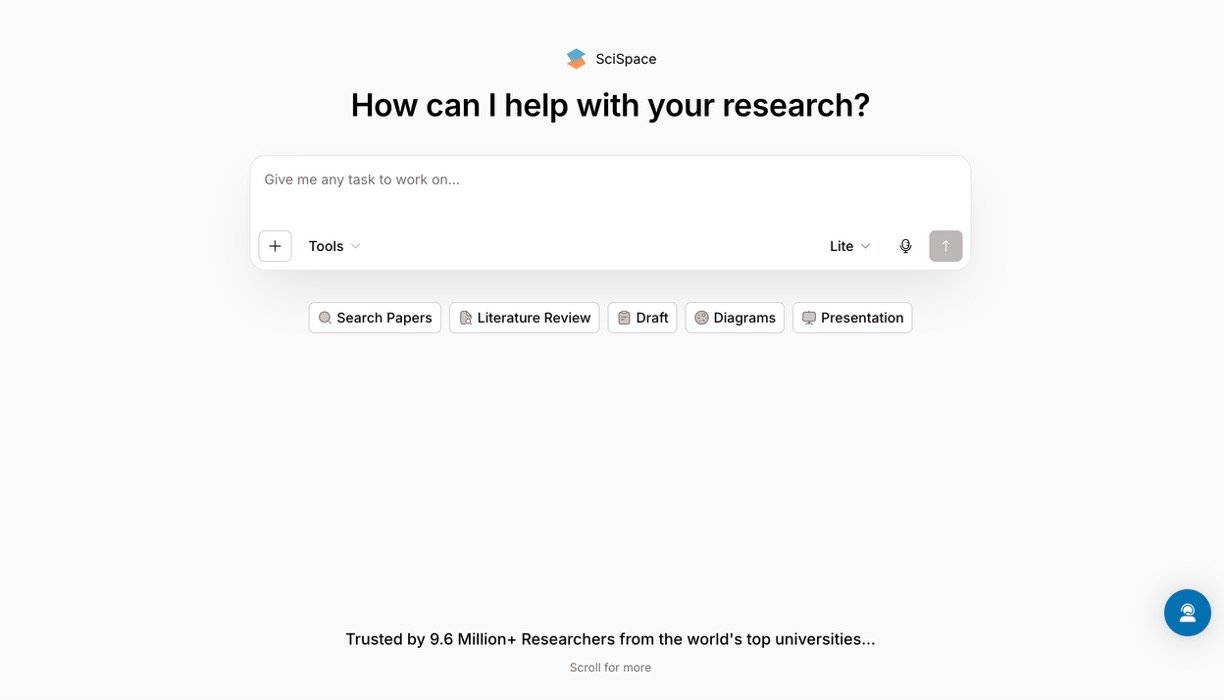
SciSpace is an all-in-one AI research platform for finding, reading, analyzing, and writing academic content. It searches a database of more than 280 million papers and combines literature discovery, PDF chat, data extraction, citation tools, and academic writing in one workspace.
Its strongest feature is Chat with PDF. You can upload a research paper, ask questions, summarize sections, and request simple explanations of formulas, tables, or technical language. The literature review tools are also useful for comparing studies and identifying common findings.
The experience is not perfect. AI answers and generated citations still need manual checking. Some users report irrelevant papers, missed studies, or references that do not support the generated claim. The credit system can also become expensive for intensive research.
| SciSpace Key feature | Our Rating |
| Chat with PDF | 4.6/5 |
| Literature Review and Deep Review | 4.4/5 |
| Multi-paper data extraction | 4.3/5 |
| Citation Generator | 4.2/5 |
| AI Writer and Paraphraser | 4.0/5 |
| SciSpace Agent | 3.8/5 |
| Overall value | 4.1/5 |
SciSpace Key Features
1. AI Literature Review
SciSpace accepts normal research questions instead of requiring perfect database keywords. It finds related papers, provides short summaries, and lets you filter results by factors such as year and open-access availability. Deep Review can produce a more structured analysis and help identify patterns or research gaps.
This is excellent for exploring a topic, but I would not use it as the only search method for a systematic review. Important studies may be missed, especially in fields that depend heavily on subscription databases.
2. Chat with PDF
This is SciSpace’s most polished tool. You can ask about a paper’s methodology, sample, findings, limitations, or conclusions. Highlighting a difficult paragraph produces a simpler explanation, while a dedicated option can interpret equations, tables, and diagrams.
Answers are fast and usually make complex papers easier to understand. However, users should always compare the response with the original page because details and statistical findings can be misunderstood.
3. Data Extraction and Comparison
SciSpace can extract methods, results, sample details, and other information from multiple papers into a structured table. Results can be exported to formats including CSV, Excel, and BibTeX. It also supports reference workflows involving Zotero and Mendeley.
4. Academic Writing Tools
AI Writer provides autocomplete, rewriting, paraphrasing, and citation suggestions. The Citation Generator supports more than 9,000 styles. These tools are convenient for drafting and formatting, but the writing can sound generic. Citation metadata and the relationship between a source and claim must be verified.
5. SciSpace Pricing
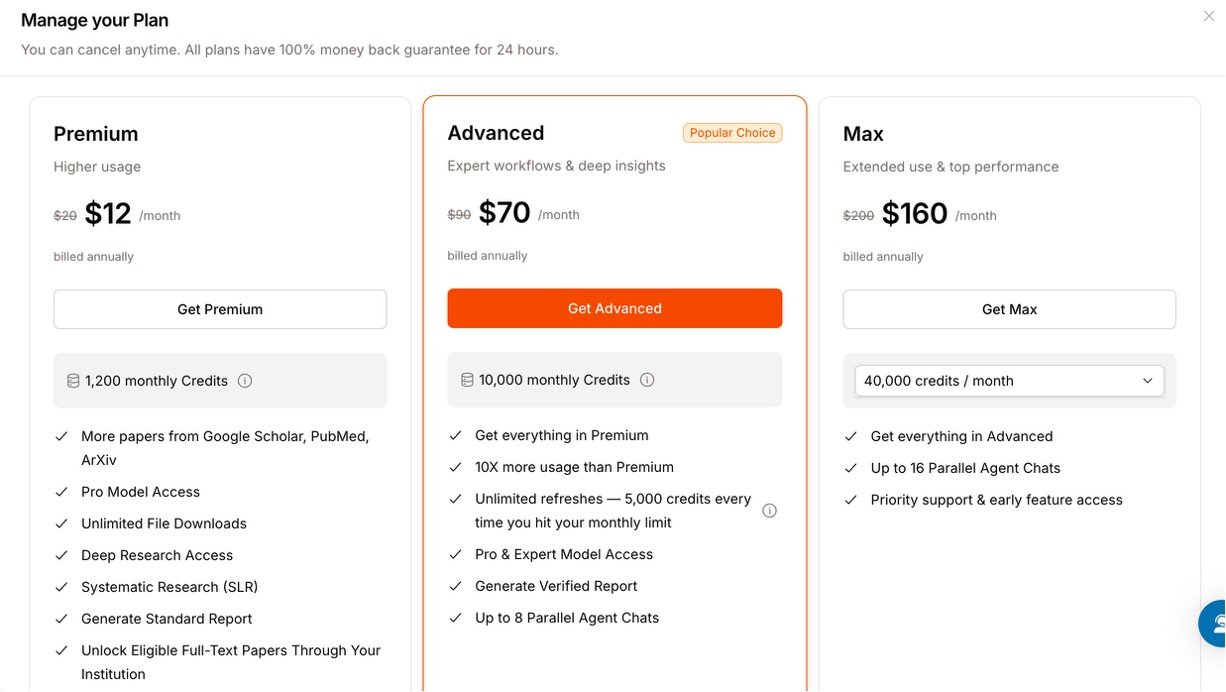
SciSpace offers the following Agent plans:
- Basic: Free with 100 monthly credits.
- Premium: $20 monthly or $12 per month billed annually, with 1,200 credits.
- Advanced: $90 monthly or $70 per month billed annually, with 10,000 credits.
- Max: $200 monthly or $160 per month billed annually, with 40,000 credits.
Credits are used by SciSpace Agent tasks and do not roll over. Standalone tools outside Agent do not consume these credits.
Our Verdict
SciSpace is best for students and researchers who regularly read difficult papers or need a faster first-stage literature review. It saves real time and brings several useful tools into one interface. Still, it should assist academic judgment—not replace database searching, source evaluation, or citation checking.

